
Dashboard, CLI, Git, Docker, or Marketplace — choose the workflow that fits how you build.
Some developers live in the terminal. Others push to Git and never look back. Some bring their own containers.
Qeda supports all of it without asking you to change how you work.
Deploy from Qeda.dashboard
Click, ship, done — no terminal needed.
Deploy with CLI
One command, straight from your terminal.
Deploy with Git
Every push to main ships to production.
Deploy with Docker
Bring your Dockerfile — we run it as-is.
Deploy via Marketplace
Databases & caches, one click to connect.
The Qeda dashboard puts every deployment lever — pods, logs, environment, billing, and uptime — inside one clean UI.
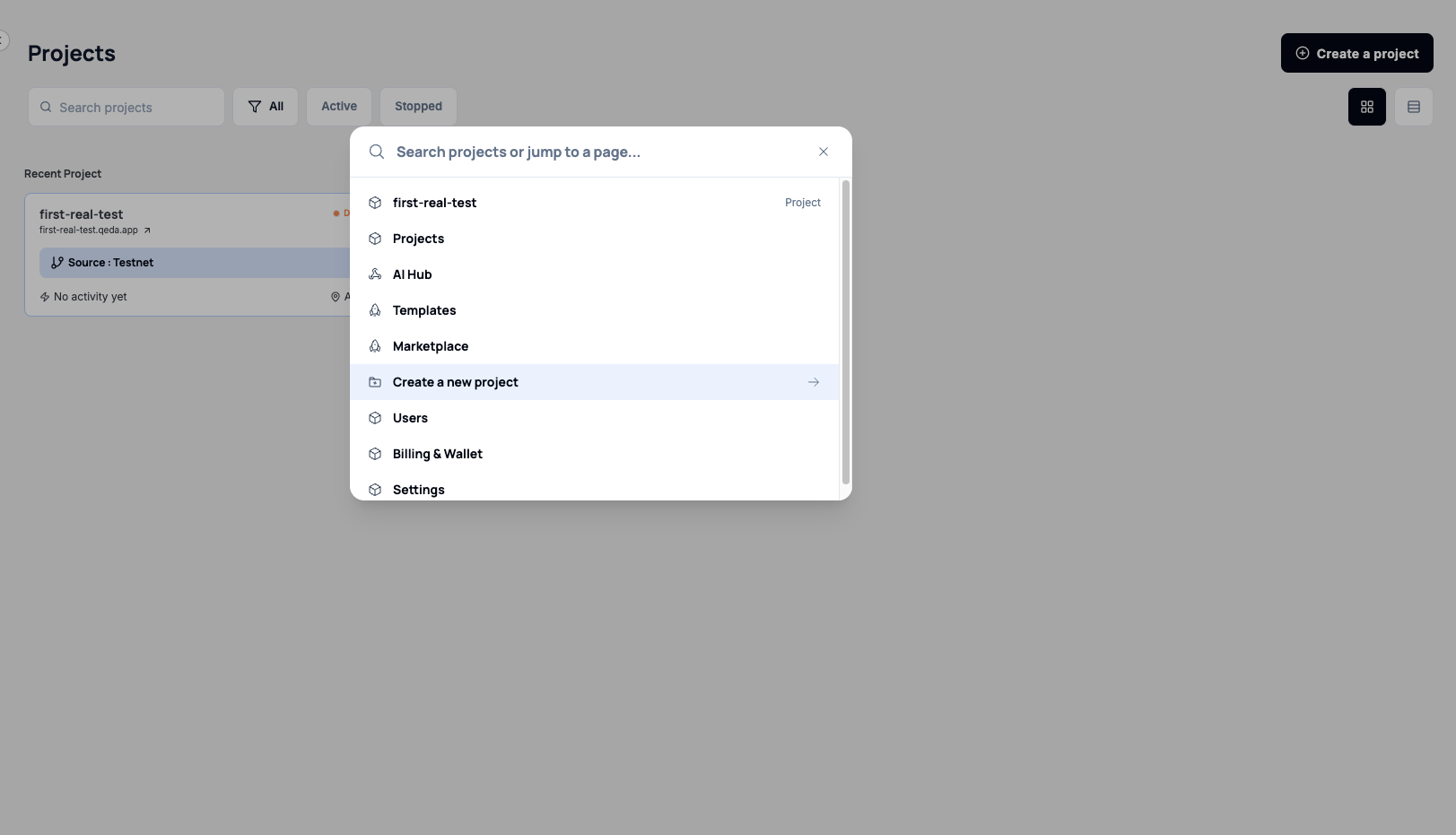
See every project you've deployed — its status, URL, source branch, and location. Launch a new one in two clicks. No terminal, no config.
production-db-01
Database (PostgreSQL)
qeda-api-main
Node.js (PaaS)
session-cache
Redis
Node.js pods, Postgres instances, Redis caches, and object storage — see every service wired together, with live cost estimates for each.
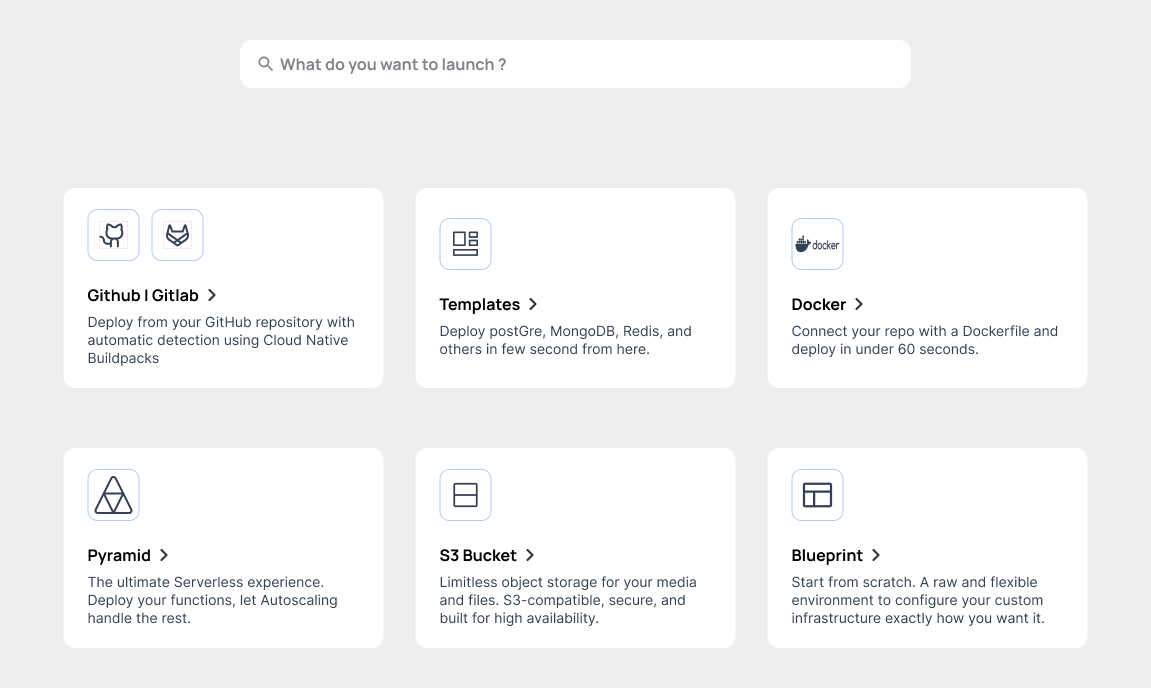
Choose a deployment type — GitHub, Docker, Templates, Serverless — and Qeda auto-detects your stack, builds in an isolated pod, and routes traffic instantly.
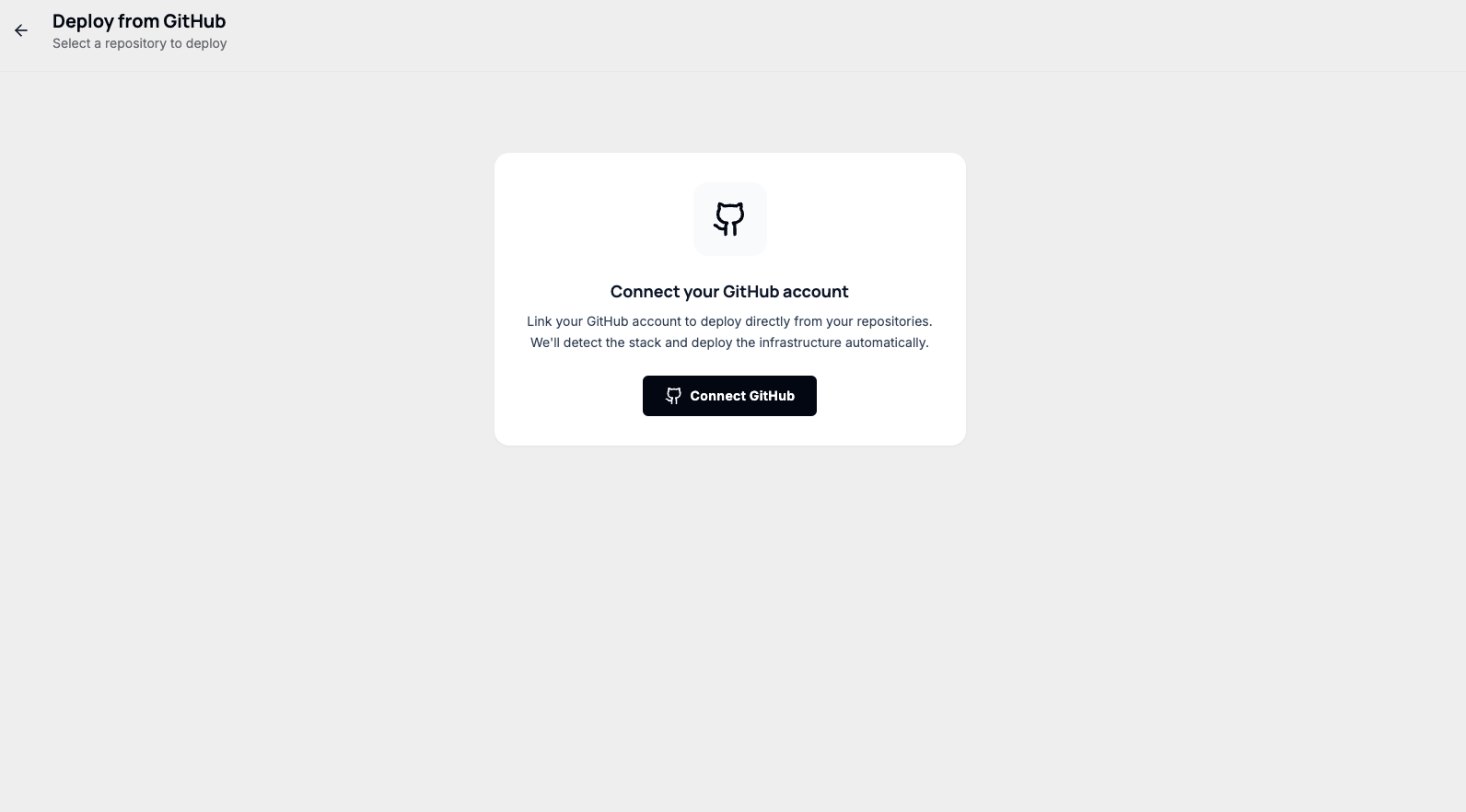
Link your GitHub account and every push to main becomes a deploy. No webhooks to configure, no CI tokens to rotate. Just push.
60s
Average deploy time for most stacks
99.97%
Uptime SLA across all regions
⌘ K
Launch anything from anywhere in the dashboard
Your terminal is enough. Install the Qeda CLI and deploy any project with a single command — no dashboards, no clicking around.
$ npm install -g qeda-cli$ qeda login $ qeda deploy→ Detecting stack: Node.js ✓→ Building in isolated pod…→ Deploy complete: myapp.qeda.app ✓✓ Deploying to high-availability cluster...✓ Deploying to high-availability cluster...qeda deployBuild and deploy the current directory.
qeda logsStream live logs from your running app.
qeda env set KEY=VALUESet an environment variable.
qeda rollbackInstantly revert to the previous deployment.
qeda statusCheck the health of your running services.
Just your terminal and a working app.
Fair enough. The Qeda CLI gives you full control over your deployments from the terminal. Install it once and never touch a dashboard again.
$ npm install -g qeda-cliadded 1 package ✓$ qeda deploy→ Detecting stack: Node.js ✓→ Building in isolated pod…→ myapp.qeda.app ✓Connect your repo once. Every push to main triggers an automatic build and deploy — no extra config needed.
git pushto main becomes a production deployment.Auto-deploy enabled — every push is a deploy.
How it works
git push origin mainmyapp.qeda.app updated ✓Already have a Dockerfile? Qeda runs it — with automatic SSL, a live domain, and zero infrastructure to manage.
$ qeda deploy --dockerfile ./Dockerfile$ qeda login $ qeda deploy→ Detecting stack: Node.js ✓→ Building in isolated pod…→ Deploy complete: myapp.qeda.app ✓✓ Deploying to high-availability cluster...✓ Deploying to high-availability cluster...No proprietary format. No forced base images. No rewrites. If it runs locally with Docker, it runs on Qeda.
WHAT QEDA HANDLES FOR YOU
Automatic *.qeda.app subdomain; custom domains supported.
Provisioned instantly, renewed automatically.
gVisor kernel-level sandboxing, no shared surfaces.
Add resources from the dashboard — no redeploy.
Live logs and health checks out of the box.
Your image is standard Docker. It runs on Qeda today — and anywhere else tomorrow.
One click. One service. Ready to connect. Spin up a database or a cache — no configuration needed.
HOW IT WORKS
DATABASE_URL=postgresql://user:pass@db.qeda.app:5432/mydbManaged means managed. Backups, updates, monitoring and uptime — handled.
CLI, Git, Docker or Marketplace — Qeda meets you where you already work.

