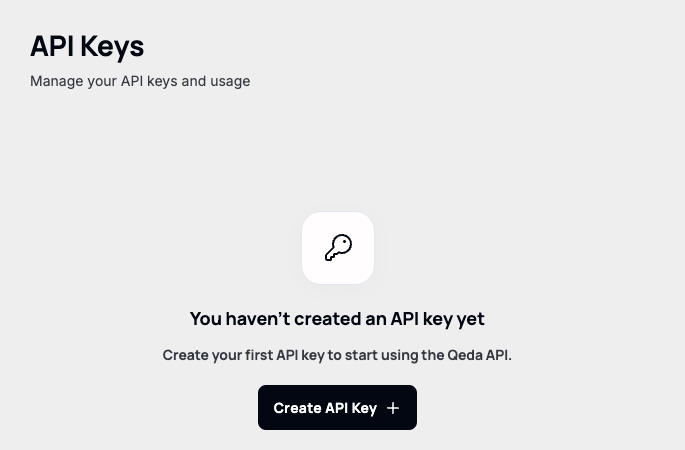
AI Hub → API Keys is where every key that can call the Qeda AI API gets created and managed. A fresh account starts with none.
Creating a key
The creation form is also where a key's actual limits get set, not just its name: Expiration (no expiration, 7/30/90 days, or 1 year) and an optional Usage Credit Limit, with a reset cadence (no reset, daily, weekly, monthly) once a limit is set.
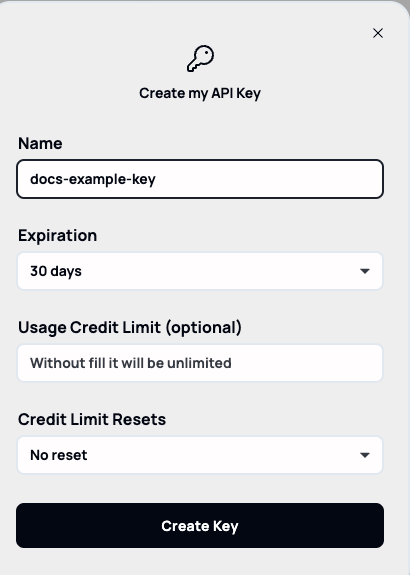
Note. A key handed to a CI pipeline or a third-party integration is a good candidate for both a real expiration and a credit limit — that way a leaked key has a built-in blast radius instead of unlimited, indefinite access.
Keys stay retrievable, not just at creation
Once created, a key is listed masked by default, with an eye icon to reveal it, a copy icon, and a kebab menu alongside delete. Unlike platforms that only ever show a secret once at creation time, Qeda lets you reveal the full key again later from this table.
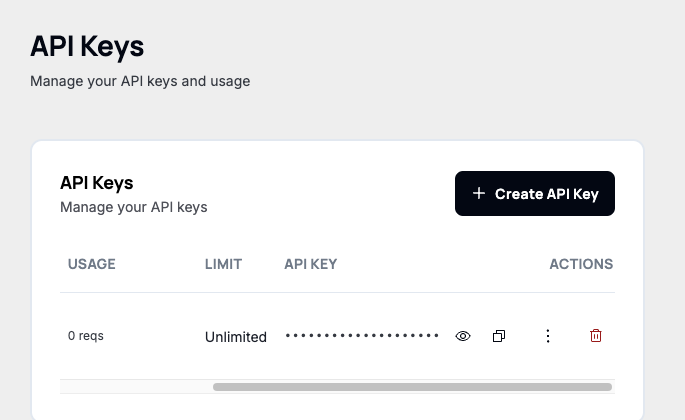
Warning. Because the raw key can be pulled back up anytime, anyone with access to this workspace's AI Hub can read every key in it, not just the ones they created. Treat workspace membership itself as the security boundary, not "I only saw it once."
Revoking a key
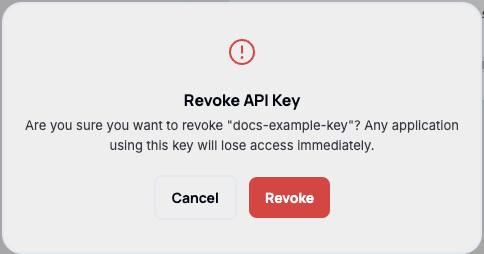
Deleting a key asks for confirmation and is immediate — anything still using that key loses access right away, with no grace period.