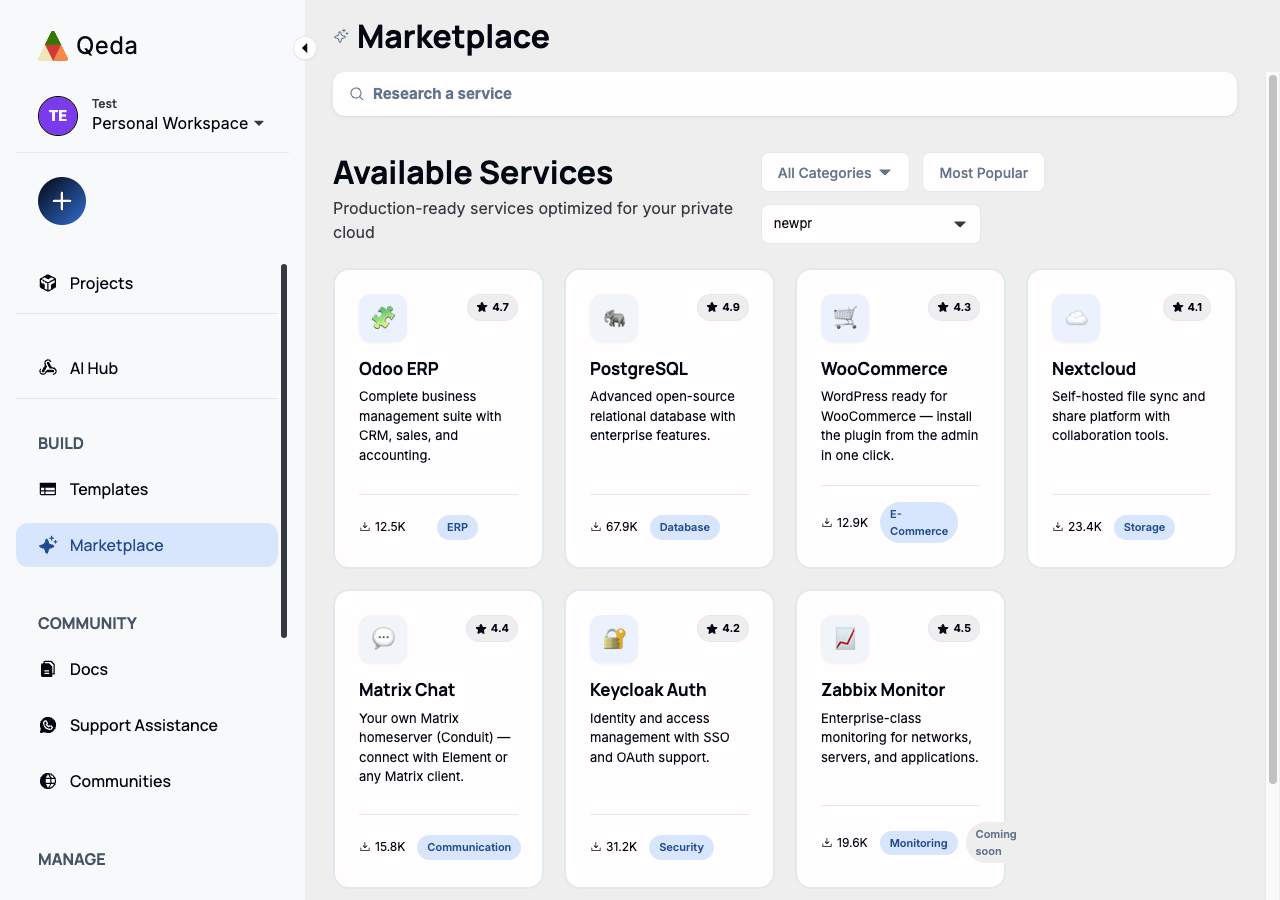
The Marketplace is a browsable catalog of ready-to-run services — Odoo ERP, WooCommerce, Nextcloud, Matrix, PostgreSQL, and more — searchable and filterable by category (Database, E-Commerce, ERP, Monitoring, Security, Storage…), each with a rating and a download count.
Two kinds of services
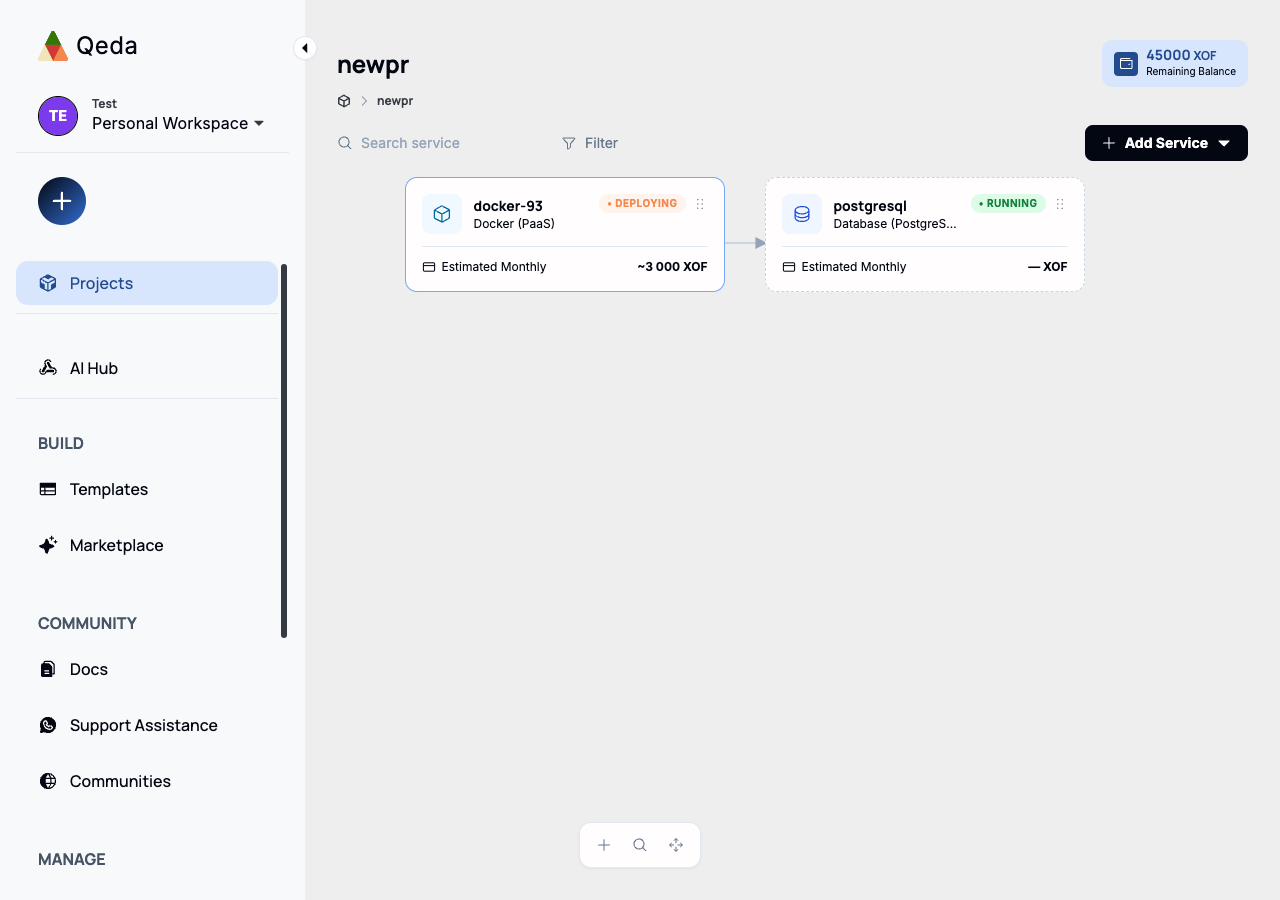
A Marketplace service is either a standalone app (Odoo, WooCommerce, Nextcloud — a full deployment with its own capacity and domain, similar to a Docker or Template deploy) or a backing service that attaches to an app already running in a project (a database, most commonly). Qeda tells you which project already has an app to attach to before you even open the deploy drawer.
Note. A project hosts one app. Attaching a backing service to a project that already runs one is normal and expected; deploying a second standalone app goes into a new project instead — the deploy flow offers that in one click when it applies.
Attaching a backing service
Hovering a card reveals a deploy button; for a backing service like PostgreSQL, it opens straight to picking the target project and a preview of exactly what gets provisioned — the image, and which environment variables land in the app's Variables tab automatically.
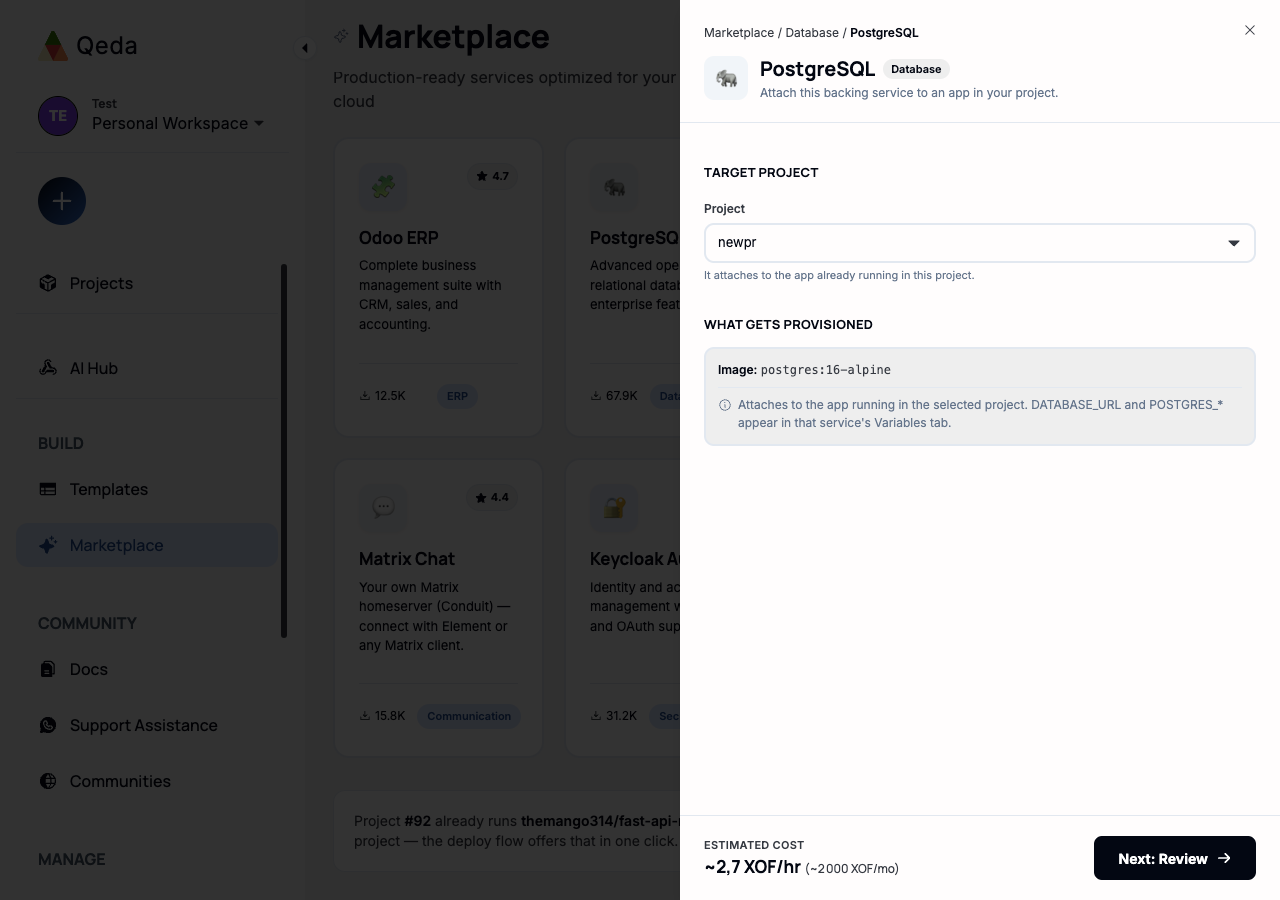
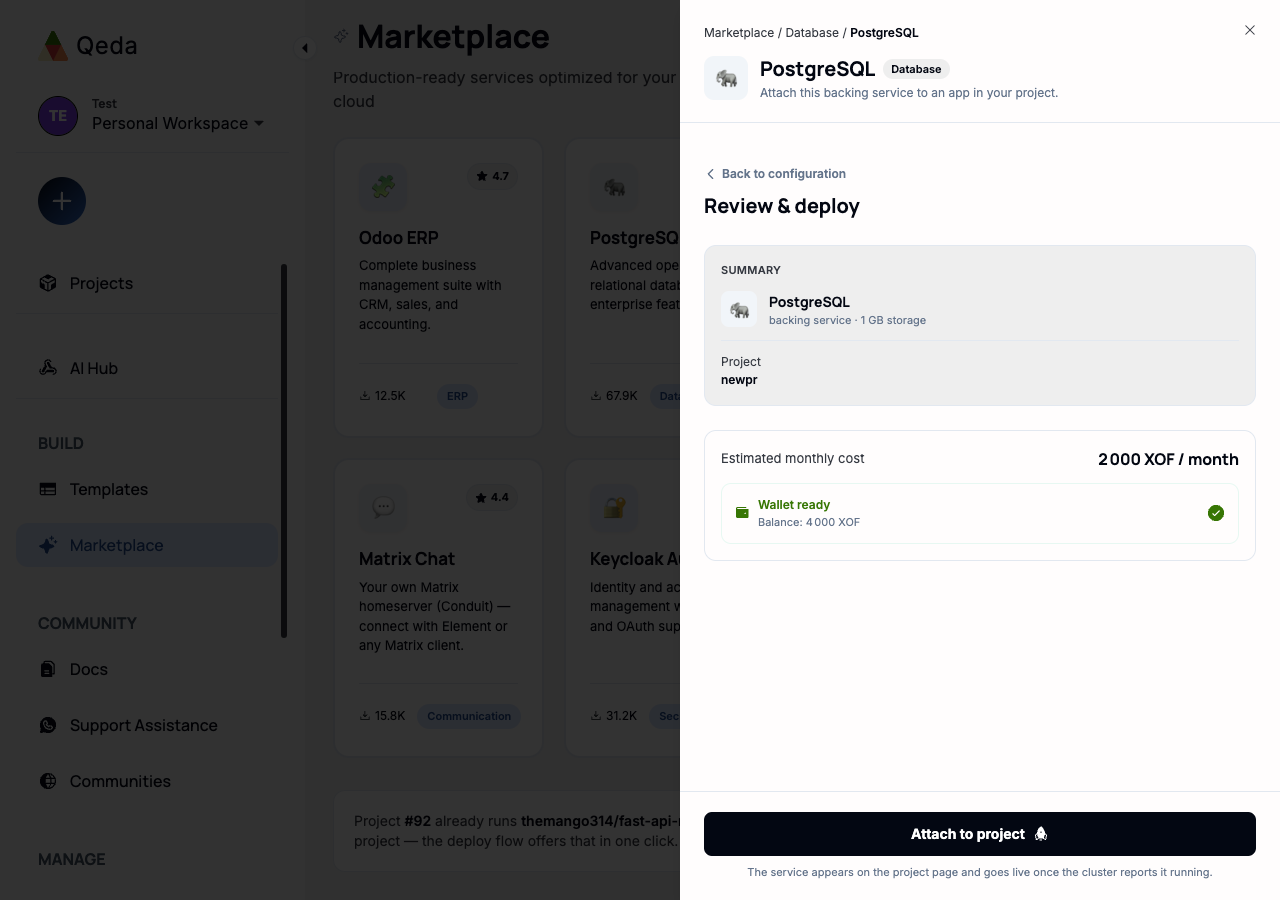
Review & deploy shows the estimated cost and checks the wallet before anything happens — same wallet gate as every other deploy path. Attaching a backing service reads "Attach to project" rather than "Deploy," since it's joining an existing service rather than starting a new one.