
Every service has its own Variables tab, independent of every other service in the project — nothing is shared unless you copy it over yourself. "New Variable" adds a plain KEY = value row; typing continues until you click Done.
Secrets
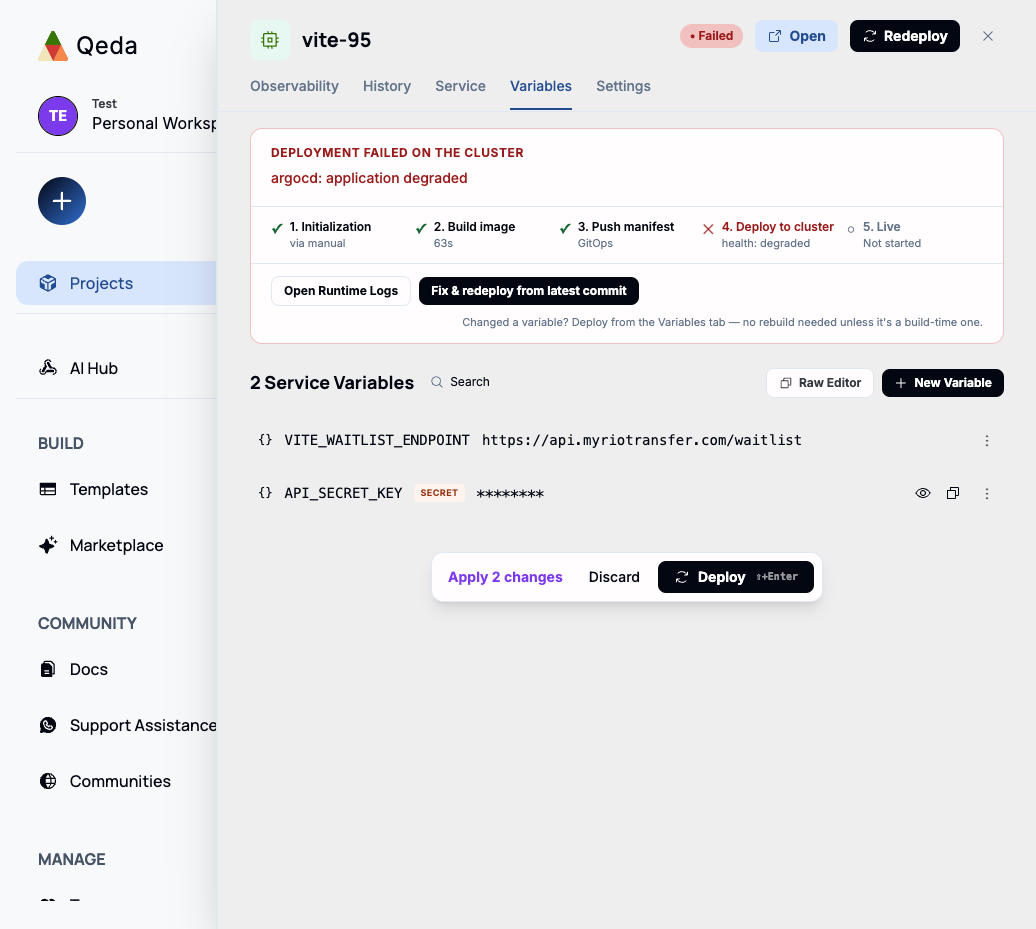
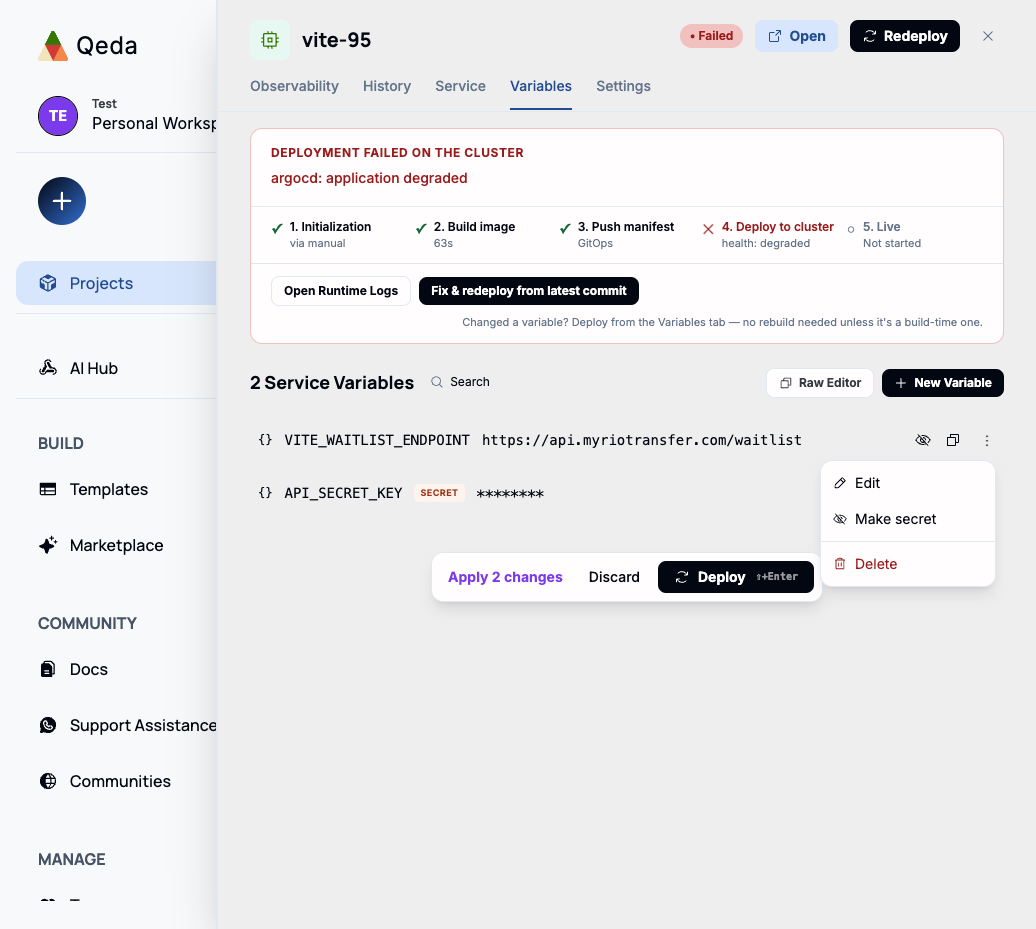
Marking a variable Secret while creating it masks its value everywhere in the UI by default (an eye icon reveals it on demand) — meant for API keys, database passwords, and anything else that shouldn't be visible on a screen share. An existing variable can be flipped to a secret later from its row menu, without having to delete and recreate it.
Build-time vs. runtime variables
Most variables are read at runtime, so updating one and redeploying is enough — no rebuild needed. Frameworks that inline environment variables into the compiled bundle at build time (Vite's VITE_-prefixed variables are the common case) are the exception: Qeda tracks that distinction per key internally, and the deploy prompt tells you plainly whether what you changed needs a rebuild or just a redeploy.
Bulk editing with Raw Editor
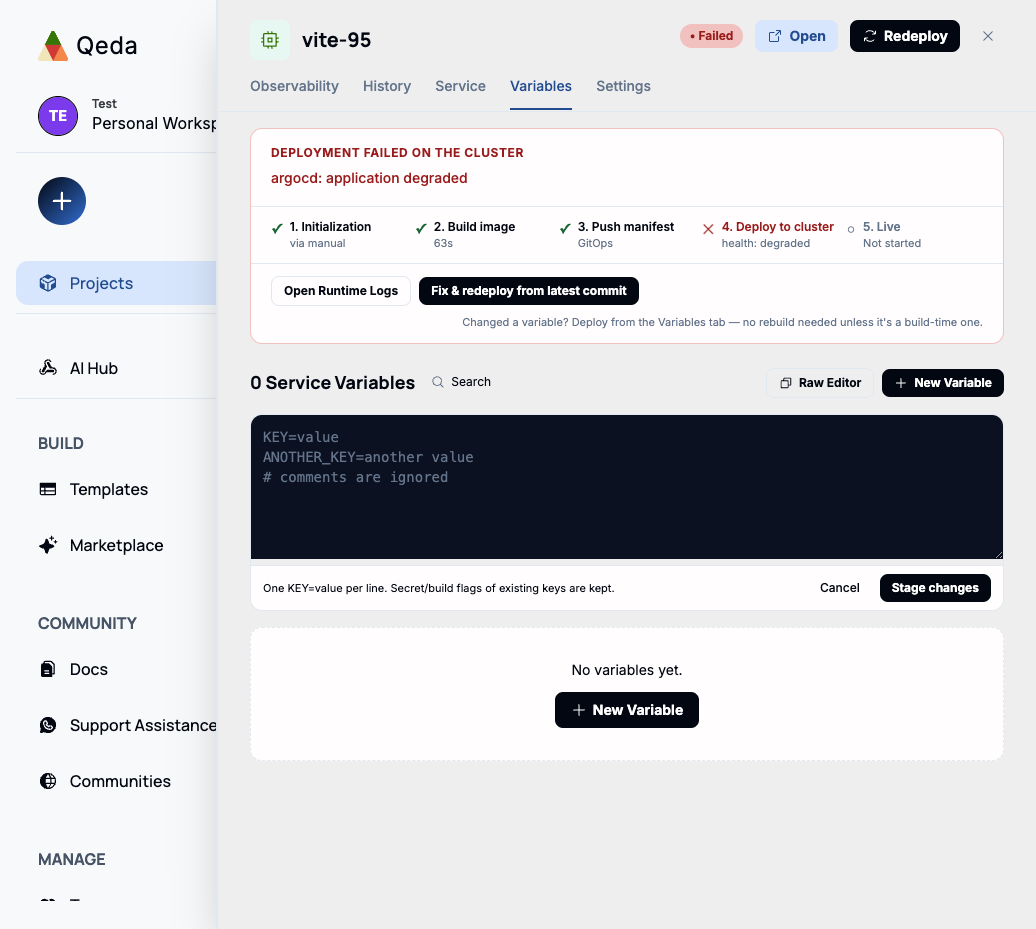
For migrating a whole .env file at once, "Raw Editor" switches to a plain-text box: one KEY=value per line, "#" comments ignored. Existing keys keep whatever secret/build-time flags they already had — Raw Editor only touches values and additions, not that metadata.
Applying changes
Every add, edit, or delete stages first — nothing takes effect until you click "Deploy" on the staged-changes bar at the bottom (or Discard to drop the draft). That bar tracks how many changes are pending, so a batch of edits ships as one deploy instead of one per field.