
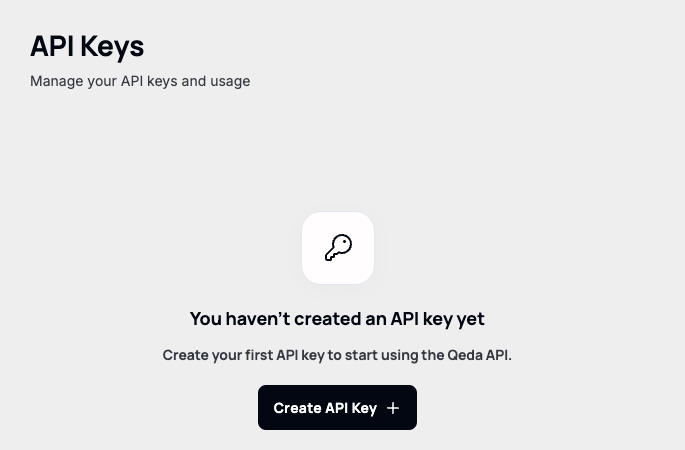
AI Hub → API Keys is where a key that authenticates calls to the Qeda AI API gets created — the same models available in the Playground, callable from your own code. A fresh account starts with none.
The creation form sets more than just a name — expiration and an optional usage credit limit are part of it too.
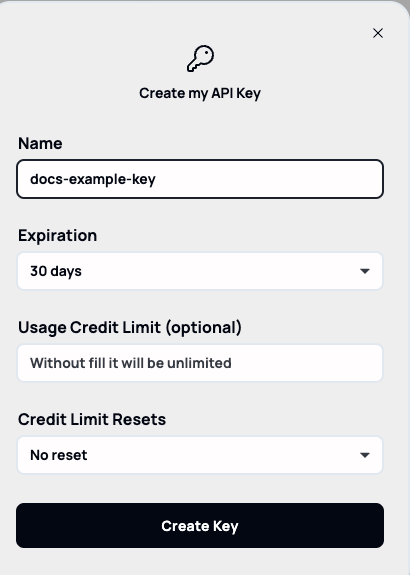
Note. For scoping a key with an expiration and credit limit, revealing or revoking it later, and the security implications of doing either — see "Managing API keys securely (AI Hub)" in Secure your App. This article stays focused on getting a key and knowing what it's for.
Using a key
There's no live completions endpoint wired up to call with it yet — the Playground says as much directly (covered next in this category): every response there is explicitly labeled simulated, with a prompt to "connect a real API key" once that's possible. Creating a key today is getting ready for that, not something you can point a script at yet.